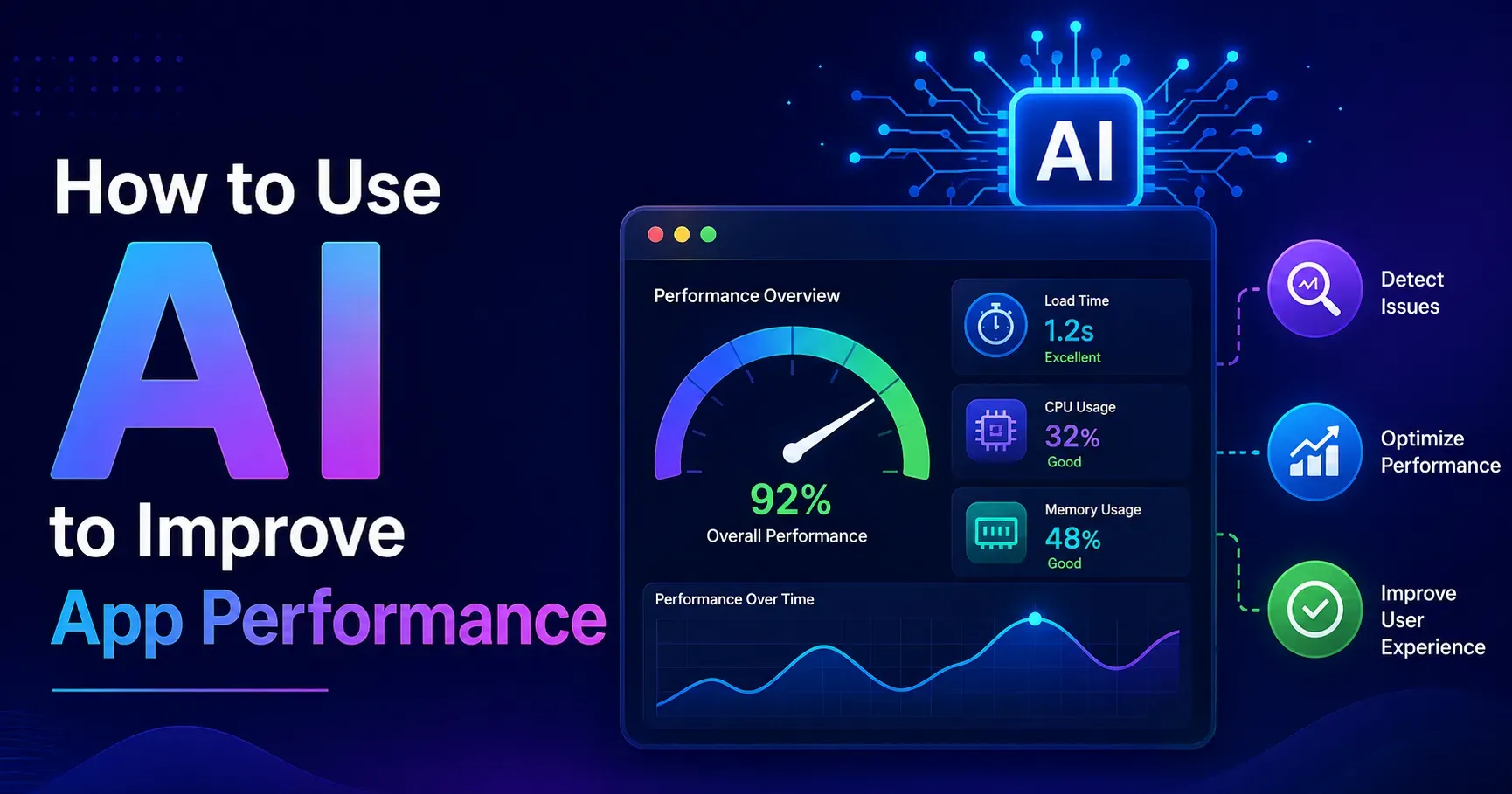
How to Use AI to Improve App Performance
Slow load times, unexpected crashes and inconsistent performance quietly drive users away long before they ever file a complaint or leave a negative review. Traditional performance monitoring relies heavily on manually reviewing logs, dashboards and metrics after problems have already affected real users. In 2026, AI tools are changing this by identifying performance issues earlier, predicting problems before they occur, and even suggesting or automatically applying fixes in some cases. This guide explains how to use AI to improve app performance, covering monitoring, predictive analysis, automated optimization and how to build AI assistance into your broader development and operations workflow.
Why App Performance Matters More Than Ever
User expectations for speed and reliability continue rising, with even small delays or glitches significantly increasing the likelihood that a user abandons an app entirely in favor of a competitor offering a smoother experience. Performance issues also compound over time, since a slow or unreliable app tends to receive fewer positive reviews, lower app store rankings and reduced organic discovery, creating a genuinely negative cycle that becomes harder to reverse the longer it persists.
Beyond user experience, performance issues often signal deeper underlying problems within an application's architecture or infrastructure, making proactive performance monitoring valuable not just for user satisfaction but for genuine technical health as well over the long term.
How AI Is Changing Application Performance Management
Traditional performance monitoring typically involves setting fixed thresholds and manually reviewing dashboards, catching issues only after they cross a predefined alert level, often after users have already been affected by the problem. AI powered monitoring tools instead learn what normal performance actually looks like for your specific application, identifying subtle anomalies and unusual patterns that fixed threshold based systems would likely miss entirely.
This shift from reactive, threshold based monitoring toward proactive, pattern based detection allows teams to catch and address emerging issues significantly earlier, often before they meaningfully affect real users at all, preserving trust and satisfaction.
Key Categories of AI Tools for App Performance
AI Powered Application Performance Monitoring
These tools continuously analyze performance metrics such as response time, error rates and resource usage, using machine learning to establish genuine baseline behavior and flag meaningful deviations rather than relying on static, manually configured thresholds that require constant tuning.
Predictive Scaling and Resource Management
These tools analyze historical usage patterns to predict upcoming traffic spikes or resource needs, automatically adjusting infrastructure capacity ahead of demand rather than reacting only after performance has already degraded under unexpected load.
AI Assisted Code Review and Bug Detection
These tools analyze code changes for potential performance issues, security vulnerabilities or bugs before deployment, catching problems earlier in the development cycle when they remain significantly cheaper and easier to fix than after release.
Anomaly Detection for Crashes and Errors
These tools identify unusual patterns in crash reports or error logs, helping teams spot emerging issues affecting a specific subset of users or devices before they escalate into a widespread, significant problem affecting everyone.
AI Powered Load and Stress Testing
These tools use AI to generate more realistic, varied testing scenarios than traditional scripted load tests, helping uncover performance bottlenecks that might only emerge under specific, less obvious usage patterns real users create.
Implementing AI Powered Performance Monitoring
Establish Baseline Performance Data
Before AI monitoring tools can effectively identify anomalies, they need sufficient historical data to establish what genuinely normal performance looks like for your specific application, so allow adequate time for baseline data collection before expecting highly accurate anomaly detection results.
Integrate Monitoring Across Your Full Stack
Ensure AI monitoring covers your entire application stack, including front end performance, backend services, databases and infrastructure, since performance issues can originate from any layer and a narrow monitoring scope can miss significant problems elsewhere.
Configure Meaningful Alert Thresholds
While AI tools reduce reliance on purely static thresholds, configure alert sensitivity thoughtfully, balancing catching genuine issues early against overwhelming your team with excessive, low value notifications that lead to alert fatigue over time and get ignored.
Connect Monitoring to Your Incident Response Process
Ensure AI generated alerts integrate smoothly into your existing incident response workflow, ensuring flagged issues reach the right team members promptly with sufficient context to investigate and resolve them efficiently and quickly.
Using AI for Predictive Performance Management
Forecasting Traffic and Resource Needs
Use AI powered forecasting to anticipate upcoming traffic patterns based on historical trends, seasonal factors or planned marketing activities, allowing infrastructure scaling decisions to happen proactively rather than reactively after performance has already degraded under strain.
Identifying Emerging Issues Before They Escalate
AI pattern recognition can identify subtle, gradually worsening trends, such as slowly increasing response times or a slow uptick in error rates, that might not yet trigger a traditional threshold alert but represent a genuine emerging problem worth investigating early.
Predicting Potential Failure Points
Some AI tools can analyze system behavior patterns to identify components or dependencies showing early warning signs of potential failure, allowing proactive maintenance or reinforcement before an actual outage or significant degradation occurs unexpectedly.
Using AI to Improve Code Quality and Performance
Automated Code Review for Performance Issues
AI code review tools can flag inefficient code patterns, potential memory leaks or other performance concerns during the code review process, catching issues before they reach production and become significantly more costly to address later on.
Suggesting Performance Optimizations
Some AI tools can analyze code and suggest specific optimizations, such as more efficient algorithms or database query improvements, helping developers improve performance without requiring extensive manual profiling and analysis for every single change made.
Identifying Technical Debt Affecting Performance
AI analysis of your codebase over time can help identify areas of accumulated technical debt that may be contributing to gradually declining performance, providing data driven justification for prioritizing refactoring work over other tasks.
Using AI for Testing and Quality Assurance
Generating Realistic Test Scenarios
AI powered testing tools can generate more varied, realistic user interaction patterns for load testing than traditional scripted approaches, helping uncover performance issues that might only emerge under specific, less predictable real world usage conditions actual users create.
Prioritizing Testing Efforts
AI analysis of code changes and historical bug patterns can help prioritize which areas of an application most urgently need thorough testing before a release, focusing limited testing resources where they provide the most genuine value to the team.
Automating Regression Testing
AI tools can help identify which existing tests are most relevant to a specific code change, streamlining regression testing processes and reducing the time required to confidently validate that a change has not introduced new performance issues into the system.
Building an AI Assisted Performance Management Workflow
Integrate AI Tools Throughout the Development Lifecycle
Rather than relying on AI monitoring only after deployment, integrate AI assisted code review and testing earlier in the development process, catching potential performance issues before they ever reach a production environment where real users are affected.
Combine AI Insights With Human Expertise
Use AI generated insights and alerts as a starting point for investigation, but rely on genuine engineering judgment and context to determine appropriate fixes, since AI tools identify patterns but cannot always fully understand the broader business or technical context behind a specific issue at hand.
Continuously Refine Your Monitoring Configuration
Regularly review and adjust your AI monitoring configuration based on genuine team feedback about alert usefulness and accuracy, ensuring the system continues providing genuinely valuable signal rather than excessive noise over time that gets ignored.
Common Mistakes When Using AI for App Performance
Many teams implement AI monitoring tools without allowing sufficient time for the system to establish accurate baseline behavior, leading to either excessive false positives or missed genuine issues during the initial period of operation. Avoid treating AI generated alerts as automatically requiring immediate action without genuine human evaluation, since context and judgment remain essential for determining appropriate response and prioritization for each specific case.
Do not rely entirely on AI tools without maintaining genuine engineering understanding of your application's architecture and common failure modes, since this foundational knowledge remains essential for interpreting AI generated insights effectively and correctly. Finally, avoid neglecting to integrate AI performance tools into your broader team workflow and incident response processes, since standalone tools that do not connect to actual team action provide limited genuine value to anyone.
Measuring the Impact of AI Assisted Performance Management
Track metrics such as mean time to detection and mean time to resolution for performance issues, comparing these figures before and after implementing AI powered monitoring to quantify genuine improvement in your team's response capabilities over time. Monitor overall application performance metrics, such as response time and error rate trends, assessing whether AI assisted optimization efforts are producing measurable, sustained improvement across the board.
Consider user satisfaction indicators, such as app store ratings or user retention, as a longer term measure of whether performance improvements are genuinely translating into a better overall user experience for the people actually using your app every day.
A Simple Framework for Getting Started
Begin by implementing AI powered monitoring across your application stack, allowing sufficient time to establish accurate baseline performance data before making major changes. Integrate AI assisted code review and testing tools earlier in your development process to catch issues before deployment happens.
Connect AI generated alerts to your existing incident response workflow, ensuring genuine human judgment remains involved in prioritization and resolution decisions made by the team. Regularly review and refine your monitoring configuration based on team feedback gathered over time. Track meaningful performance and user satisfaction metrics over time to validate that your AI assisted approach is delivering genuine, measurable improvement to the product.
Final Thoughts
AI tools offer genuine, meaningful improvements in how teams monitor, predict and address application performance issues, shifting from purely reactive troubleshooting toward proactive, pattern based detection and prevention. However, these tools work best when combined with genuine engineering expertise and thoughtful integration into existing development and operations workflows, rather than as a standalone replacement for human judgment. By thoughtfully implementing AI assisted monitoring, testing and code review throughout the development lifecycle, teams can build genuinely more reliable, better performing applications throughout 2026 and beyond, ultimately delivering a stronger experience for the real users depending on them.