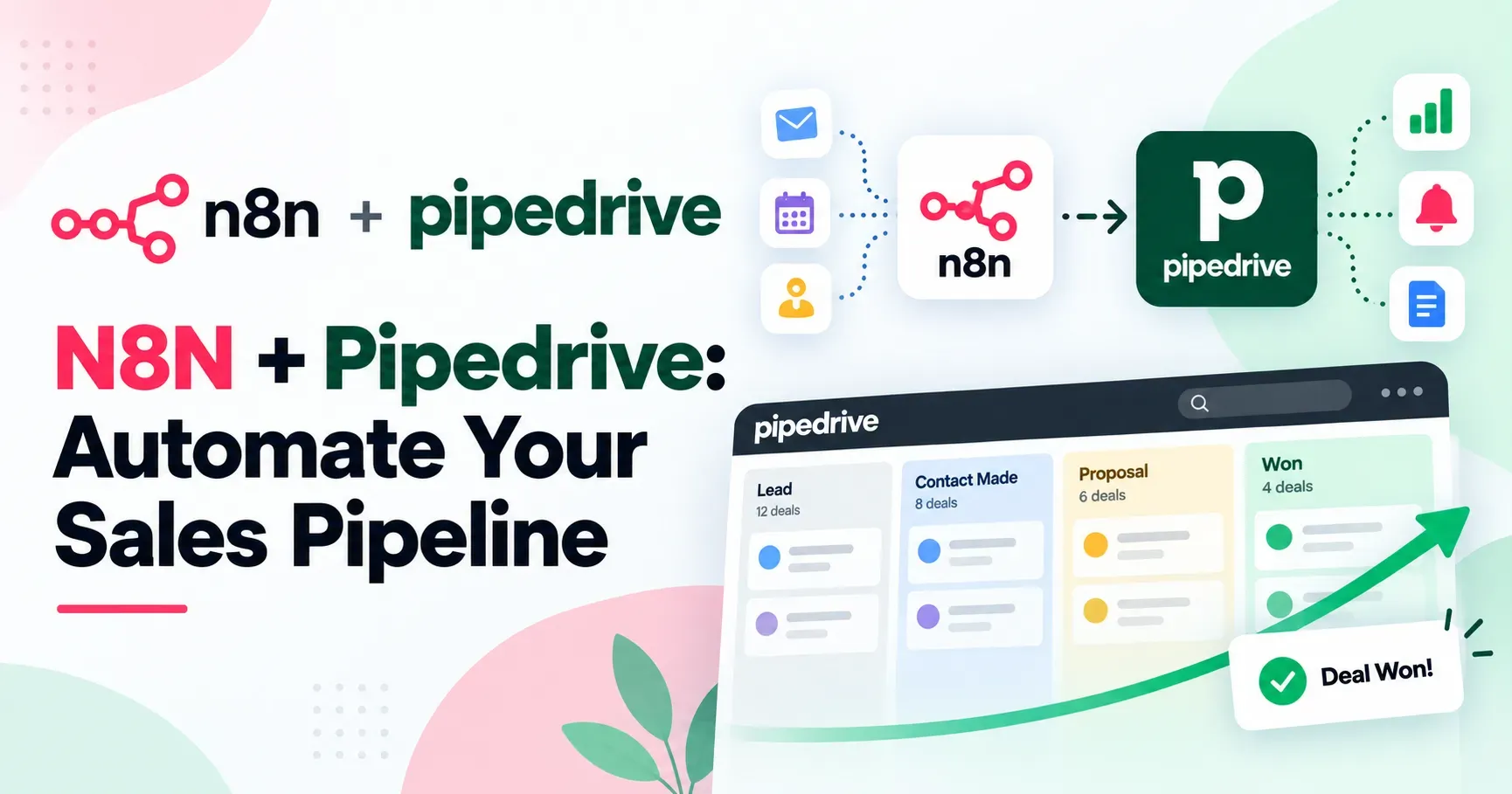
N8N Pipedrive Automate Your Sales Pipeline
Sales teams lose meaningful time on manual tasks that add no genuine value, copying lead information between systems, manually updating deal stages, and compiling pipeline reports by hand. Combining N8N, a flexible workflow automation platform, with Pipedrive, a widely used sales CRM, allows sales operations teams to automate much of this repetitive work, freeing up sales reps to focus on actually selling rather than data entry. This guide explains how to use N8N and Pipedrive together to automate your sales pipeline in 2026, covering setup, practical workflow examples and best practices for building reliable, maintainable sales automation.
Why Combine N8N and Pipedrive
Pipedrive handles deal tracking, pipeline visualization and core sales activity management well, but like most CRMs, it has natural limits when it comes to connecting with other tools your sales team relies on, such as lead capture forms, email marketing platforms, accounting software or custom internal systems built for your business.
N8N fills this gap by acting as a flexible automation layer that connects Pipedrive to virtually any other tool your sales process touches, allowing data to flow automatically between systems without requiring manual entry or custom development for every single integration point your team needs to function well.
Understanding How N8N Connects to Pipedrive
N8N connects to Pipedrive through its API, allowing workflows to create, update or retrieve deals, contacts, activities and other Pipedrive data programmatically based on triggers from other connected systems or on a defined schedule you set up.
This means events happening elsewhere, such as a new form submission on your website or a payment processed through your billing system, can automatically trigger corresponding updates within Pipedrive, keeping your CRM data current without requiring a sales rep to manually enter that information themselves each time.
Setting Up the N8N and Pipedrive Connection
Set Up Your N8N Instance
Choose between a cloud hosted or self hosted N8N setup based on your team's technical resources and preferences, ensuring your instance is running and accessible before beginning the Pipedrive integration process itself.
Generate a Pipedrive API Token
Within your Pipedrive account settings, generate an API token specifically for the N8N connection, which allows N8N to securely communicate with your Pipedrive account and perform actions on your behalf going forward.
Add the Pipedrive Credential in N8N
Within N8N, add your Pipedrive API credential to establish the secure connection that will allow your workflows to interact directly with your deals, contacts and pipeline data going forward without repeated authentication.
Test With a Simple Action
Before building complex workflows, test the basic connection with a simple action, such as retrieving a list of existing deals, confirming the integration works correctly before adding more sophisticated automation logic on top.
Practical N8N and Pipedrive Workflow Examples
Automatically Creating Leads From Web Forms
Build a workflow that triggers whenever a visitor submits a contact or demo request form on your website, automatically creating a corresponding lead or deal within Pipedrive along with relevant details captured from the form submission itself.
Syncing Data Between Marketing and Sales Tools
Connect your email marketing platform to Pipedrive, automatically updating a contact's Pipedrive record when they engage with specific marketing campaigns, giving sales reps visibility into marketing engagement without needing to check a separate platform themselves.
Triggering Notifications for High Value Deals
Create a workflow that monitors deal value within Pipedrive, automatically sending a notification to sales leadership or a specific team channel whenever a deal above a certain threshold is created or moves to a new stage worth noting.
Automating Follow Up Task Creation
Build a workflow that automatically creates a follow up activity or task within Pipedrive based on specific triggers, such as a deal sitting in the same stage for longer than an expected timeframe, ensuring deals do not quietly stall without anyone noticing the delay.
Connecting Pipedrive to Invoicing and Billing Systems
Automate the process of creating an invoice or billing record in a separate financial system whenever a deal in Pipedrive is marked as won, eliminating manual data transfer between your sales and finance teams entirely.
Pulling Pipeline Data Into Reporting Tools
Automate the extraction of pipeline and deal data from Pipedrive into a spreadsheet, dashboard or business intelligence tool, eliminating manual export work for regular sales reporting and forecasting needs each week.
Building Your First N8N to Pipedrive Workflow
Define the Trigger
Identify what event should start your workflow, whether that is a form submission, a webhook from another connected tool, or a scheduled check for specific conditions within your sales process worth monitoring.
Add Conditional Logic Where Needed
Incorporate conditional branches to handle different scenarios appropriately, such as routing leads to different Pipedrive pipelines or assigning different deal owners based on specific lead characteristics or source they came from.
Configure the Pipedrive Action
Set up the specific Pipedrive action your workflow should perform, whether that is creating a deal, updating a contact, adding an activity, or retrieving pipeline data, mapping the relevant fields correctly between systems involved.
Test Thoroughly Before Activating
Run test executions using sample data before activating the workflow for live use, confirming data flows correctly into Pipedrive and that the intended actions occur exactly as expected before real leads or deals are affected by it.
Advanced Sales Automation Ideas
Lead Scoring and Automatic Assignment
Build workflows that calculate a lead score based on data gathered from multiple connected sources, then automatically assign higher scoring leads to specific sales reps or route them into a priority pipeline within Pipedrive for faster follow up.
Multi Channel Deal Activity Logging
Automatically log customer interactions happening across email, chat or phone systems as activities within the corresponding Pipedrive deal, giving sales reps a genuinely complete view of the customer relationship in one central place.
Automated Deal Stage Progression Alerts
Create workflows that monitor how long deals remain in each pipeline stage, automatically flagging or escalating deals that exceed typical timeframes, helping sales managers identify stalled opportunities before they are lost entirely to inaction.
Cross Selling and Renewal Reminders
Use N8N to pull customer data from other systems, such as usage patterns or contract end dates, automatically creating relevant follow up tasks within Pipedrive for cross selling opportunities or upcoming renewals worth pursuing.
Best Practices for Reliable Sales Automation
Start With High Impact, Low Complexity Workflows
Begin with straightforward automations addressing a clear, high value manual process, such as lead creation from web forms, before attempting more complex, multi step sales automation across your broader pipeline and processes.
Implement Error Handling
Configure appropriate error handling within your workflows, ensuring your team is notified if a workflow fails, since a silently broken lead capture automation could mean genuinely lost sales opportunities going unnoticed for days.
Keep Sales Reps Informed
Communicate clearly with your sales team about what is being automated and why, ensuring reps understand how automated updates appear within their Pipedrive workflow and trust the accuracy of automatically populated data they see.
Regularly Audit Data Accuracy
Periodically review automated data entries within Pipedrive against their original source, confirming your workflows continue mapping and transferring information accurately as your sales process and connected tools evolve over time and change.
Common Challenges When Automating Pipedrive Workflows
API rate limits can occasionally affect high volume workflows, so understanding Pipedrive's specific usage limits and designing your workflows accordingly helps avoid unexpected failures during busy periods of high lead volume.
Data mapping errors between systems with different field structures are a common source of workflow issues, making careful testing and validation particularly important during initial setup and after any changes to connected systems involved. Duplicate record creation can also become a challenge if workflows are not carefully designed to check for existing records before creating new ones, potentially cluttering your Pipedrive pipeline with redundant entries over time that confuse reps.
Measuring the Impact of Your Sales Automation
Track time saved on manual data entry and administrative tasks, comparing your sales team's workload before and after implementing specific automations to quantify genuine efficiency gains achieved across the team. Monitor lead response time and conversion rates, assessing whether faster, more consistent lead capture and follow up processes are genuinely improving sales outcomes compared to your previous manual approach used before.
Review workflow execution logs regularly to ensure your automations continue running reliably and to catch any recurring issues before they meaningfully affect your sales pipeline data and reporting accuracy.
A Simple Getting Started Checklist
Set up your N8N instance and establish a secure connection to your Pipedrive account using an API token. Identify one specific, high value manual process currently consuming significant sales team time, such as manually creating deals from web form submissions each day.
Build a simple workflow addressing that single process, testing thoroughly before activating it for live use in production. Monitor the workflow closely during its first few weeks, addressing any issues that arise and communicating changes clearly to your sales team throughout. Once confident in its reliability, gradually expand your automation library to address additional manual processes across your broader sales pipeline and operations.
Final Thoughts
Combining N8N and Pipedrive gives sales teams a genuinely flexible way to automate pipeline management without being limited to Pipedrive's native integrations alone. From automatic lead capture to deal stage monitoring and cross platform data syncing, this combination allows businesses to build automation tailored specifically to their own sales process and connected tools. By starting with simple, well tested workflows and gradually expanding based on genuine team needs, sales operations can significantly reduce manual administrative work while building a more accurate, responsive sales pipeline throughout 2026 and beyond.