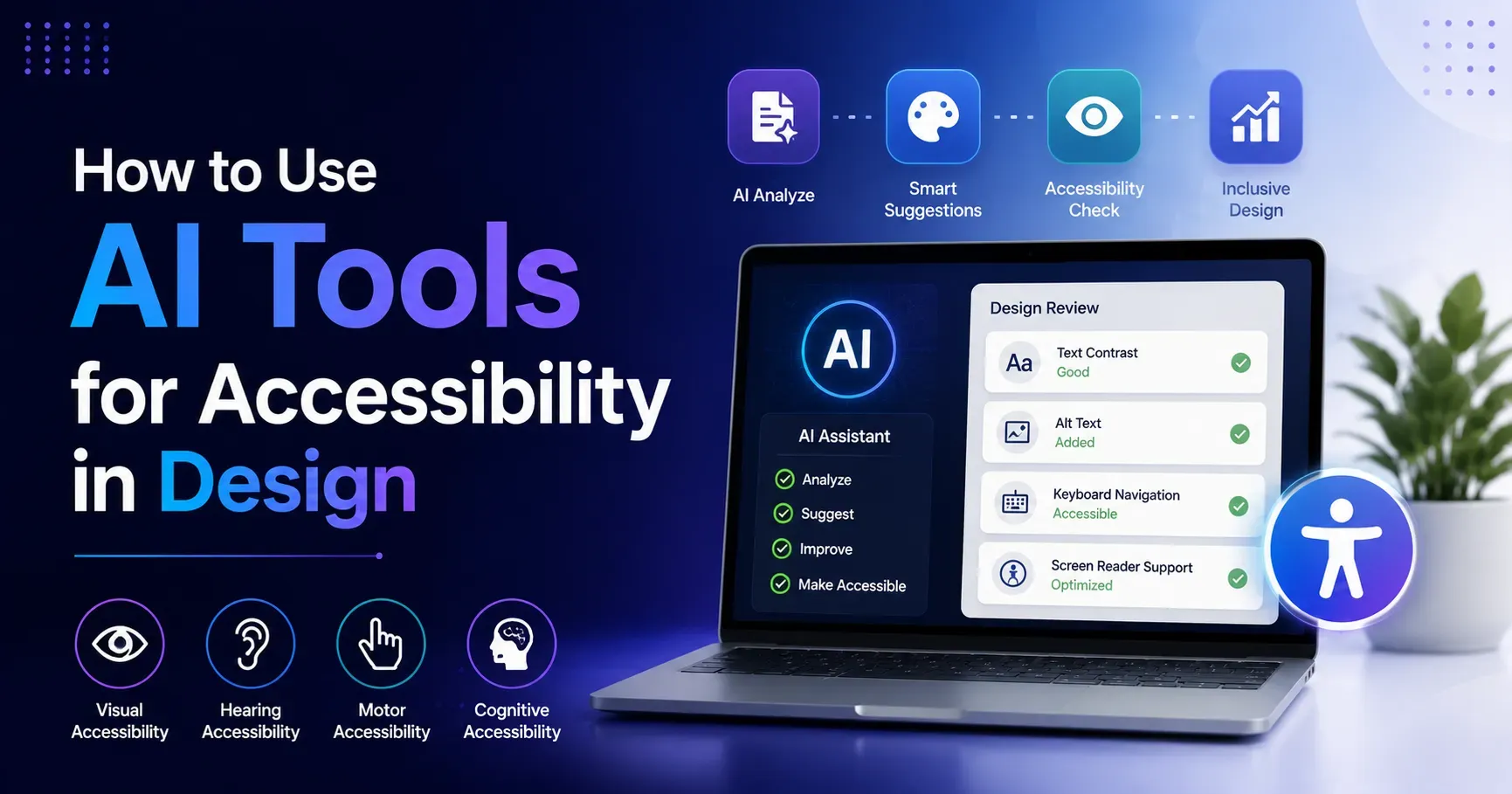
How to Use AI Tools for Accessibility in Design
Accessible design is not a nice to have anymore, it is a genuine requirement for reaching the full range of people who might want to use a product, and in many regions it is also a legal obligation. Yet accessibility work has traditionally been time consuming, requiring specialized knowledge that many design and development teams simply do not have readily available. In 2026, AI tools are meaningfully changing this equation, helping teams identify accessibility issues faster, generate accessible content elements automatically and test designs against real world assistive technology needs without requiring every team member to become an accessibility expert first. This guide explains how to use AI tools for accessibility in design, covering practical applications, limitations and how to build accessibility into your workflow rather than treating it as an afterthought.
Why Accessibility in Design Matters
Millions of people worldwide navigate digital products with some form of visual, auditory, motor or cognitive difference that affects how they interact with standard design patterns. Designing accessibly means these users can genuinely use a product independently, rather than being excluded or forced to rely entirely on others for basic access.
Beyond the clear ethical case, accessible design also tends to improve usability for everyone, since clear contrast, logical structure and thoughtful interaction patterns benefit all users, not just those relying on assistive technology. Many regions also have legal accessibility requirements for digital products, making accessibility a genuine compliance consideration alongside its broader ethical and usability benefits.
How AI Is Changing Accessibility Work
Traditionally, thorough accessibility review required manually testing every element of a design against detailed guidelines, often involving specialized software and genuine expertise in how different assistive technologies actually function in practice. AI tools are increasingly automating significant portions of this process, scanning designs and code for common accessibility issues, generating accessible content elements automatically, and even simulating how a design might be experienced by someone using specific assistive technology.
This does not eliminate the need for genuine accessibility expertise entirely, but it significantly lowers the barrier for teams without dedicated accessibility specialists to catch and address common issues earlier in their process, before they become expensive to fix.
Key Categories of AI Accessibility Tools
Automated Accessibility Auditing Tools
These tools scan websites or applications against established accessibility guidelines, identifying issues such as missing alt text, insufficient color contrast, improper heading structure or missing form labels, providing a prioritized list of issues to address first.
AI Alt Text Generators
These tools analyze images and automatically generate descriptive alt text, helping ensure visual content is genuinely accessible to users relying on screen readers, particularly valuable for websites with large volumes of images that would otherwise require extensive manual description writing.
Color Contrast and Visual Accessibility Checkers
These tools analyze color combinations used within a design, flagging combinations that fail to meet accessibility contrast standards and often suggesting specific adjusted colors that maintain the design's intended aesthetic while improving genuine readability for all users.
AI Captioning and Transcription Tools
These tools automatically generate captions and transcripts for video and audio content, making multimedia genuinely accessible to users who are deaf or hard of hearing, as well as supporting users in sound sensitive environments where audio is not practical.
Screen Reader Simulation and Testing Tools
Some AI powered tools can simulate or analyze how a screen reader would actually interpret and announce a specific design, helping designers and developers understand the genuine experience of users relying on this particular assistive technology in practice.
Cognitive Accessibility and Readability Tools
These tools analyze written content for clarity and readability, flagging overly complex sentence structures or jargon that could create genuine barriers for users with cognitive disabilities or those who are simply less familiar with specialized terminology used.
Practical Ways to Use AI Tools Throughout the Design Process
During Initial Design and Wireframing
Use AI powered color contrast checkers early in the design process, before visual designs are finalized, catching potential contrast issues while changes remain relatively easy and inexpensive to make at this early stage.
During Content Creation
Use AI alt text generators as a helpful starting point when adding images to a design or website, though reviewing and refining the generated text ensures it genuinely captures the specific context and purpose of each individual image used.
During Development and Implementation
Integrate automated accessibility auditing tools directly into development workflows, catching structural or code level accessibility issues, such as improper heading hierarchy or missing form labels, before a product ships to real users in production.
During Content Review
Use AI readability and cognitive accessibility tools when reviewing written content, flagging overly complex language that could be simplified without sacrificing genuine meaning or necessary technical accuracy the content requires.
Before Launch
Run a comprehensive automated accessibility audit before launching any significant new design or feature, catching remaining issues that may have been introduced during the broader development process along the way.
Using AI to Generate Accessible Content Elements
Writing Descriptive Alt Text
When using AI to generate alt text, provide context about the image's purpose within the specific page, since generic, purely visual descriptions often miss the functional or contextual meaning that makes alt text genuinely useful to a screen reader user.
Creating Accessible Form Labels
AI tools can help suggest clear, descriptive form field labels and error messages, ensuring users relying on screen readers receive genuinely clear, actionable guidance rather than vague or missing labeling that creates confusion during form completion.
Simplifying Complex Content
Use AI writing tools to help simplify overly complex or jargon heavy content, making it more genuinely accessible to users with cognitive disabilities or limited familiarity with specialized terminology, without losing essential accuracy or meaning in the process.
Generating Video Captions and Audio Descriptions
AI captioning tools can significantly speed up the process of making video content accessible, though reviewing generated captions for accuracy remains important, particularly for specialized terminology or names the AI may not recognize correctly on its own.
Understanding the Limitations of AI Accessibility Tools
AI tools are genuinely helpful for catching common, well defined accessibility issues, but they cannot fully replace genuine user testing with people who actually rely on assistive technology in their daily lives. Automated tools typically catch a meaningful portion of accessibility issues, but many nuanced usability concerns only become apparent through real user testing and direct feedback from people with disabilities.
AI generated content, such as alt text or captions, requires human review to ensure genuine contextual accuracy and appropriateness, since automated generation can occasionally miss important context or misinterpret specific visual or audio content. Overreliance on automated tools without genuine understanding of accessibility principles can also lead to teams treating a passing automated score as complete accessibility compliance, when genuine accessibility involves considerations that automated tools simply cannot fully capture.
Building Accessibility Into Your Design Workflow
Integrate Checks Early and Throughout
Rather than treating accessibility as a final review step before launch, integrate AI powered accessibility checks throughout the entire design and development process, catching and addressing issues while changes remain easier and less costly to implement overall.
Combine AI Tools With Genuine Accessibility Knowledge
Use AI tools to support, not replace, genuine team understanding of accessibility principles, ensuring team members can interpret AI generated flags and suggestions with appropriate context and judgment rather than blindly implementing every automated recommendation without thought.
Prioritize Real User Testing Where Possible
Whenever feasible, supplement AI powered accessibility checks with genuine testing involving people who actually use assistive technology, since this provides insight into real world usability that automated tools alone cannot fully replicate on their own.
Train Your Team on Interpreting AI Accessibility Feedback
Ensure team members understand not just what an AI tool flags, but why a particular issue matters and how to genuinely address it, building broader organizational accessibility literacy rather than treating AI tools as a black box that produces answers without context.
Common Accessibility Issues AI Tools Help Catch
Insufficient color contrast between text and background remains one of the most common issues AI contrast checkers help identify quickly and reliably across a design. Missing or inadequate alt text for images is another frequent issue that AI generation tools can help address, though human review remains important for genuine accuracy in the final result.
Improper heading structure, which affects how screen readers help users navigate a page, is often caught effectively by automated auditing tools scanning the underlying code. Missing form labels and unclear error messages, which create significant barriers for users relying on screen readers, are also commonly flagged issues that AI powered auditing tools can help identify and address systematically across a site.
The Broader Business Case for AI Assisted Accessibility
Beyond compliance and ethical considerations, accessible design genuinely expands your potential audience, since a meaningful percentage of any population has some form of disability affecting their digital product usage. Accessible design also tends to improve overall usability and search engine optimization, since many accessibility best practices, such as clear content structure and descriptive alt text, align closely with broader usability and SEO principles that benefit every visitor.
AI tools that make accessibility work faster and more approachable can genuinely help more organizations prioritize accessibility work that might otherwise be deprioritized due to limited specialized resources or time constraints within busy product development cycles.
A Simple Framework for AI Assisted Accessible Design
Begin by integrating AI powered accessibility checking tools into your existing design and development workflow, rather than treating accessibility as a separate, final step. Use AI tools to generate initial accessible content elements, such as alt text or captions, always reviewing and refining the output for genuine contextual accuracy before publishing.
Combine automated tool feedback with genuine team accessibility knowledge, ensuring flagged issues are understood and addressed thoughtfully rather than mechanically. Where feasible, supplement automated checks with real user testing involving people who use assistive technology. Continuously build organizational accessibility literacy alongside your use of AI tools, ensuring the tools support genuine understanding rather than replacing it entirely.
Final Thoughts
AI tools for accessibility in design offer genuine, meaningful efficiency gains, helping teams catch common issues faster, generate accessible content elements more easily, and build accessibility consideration into their workflow earlier and more consistently. However, these tools work best as a foundation and support system for genuine accessibility understanding and real user testing, rather than as a complete, standalone solution. By combining AI efficiency with genuine accessibility knowledge and, where possible, real user feedback, design teams can create products that are genuinely more usable and inclusive for the full, diverse range of people who might want to use them throughout 2026 and beyond.