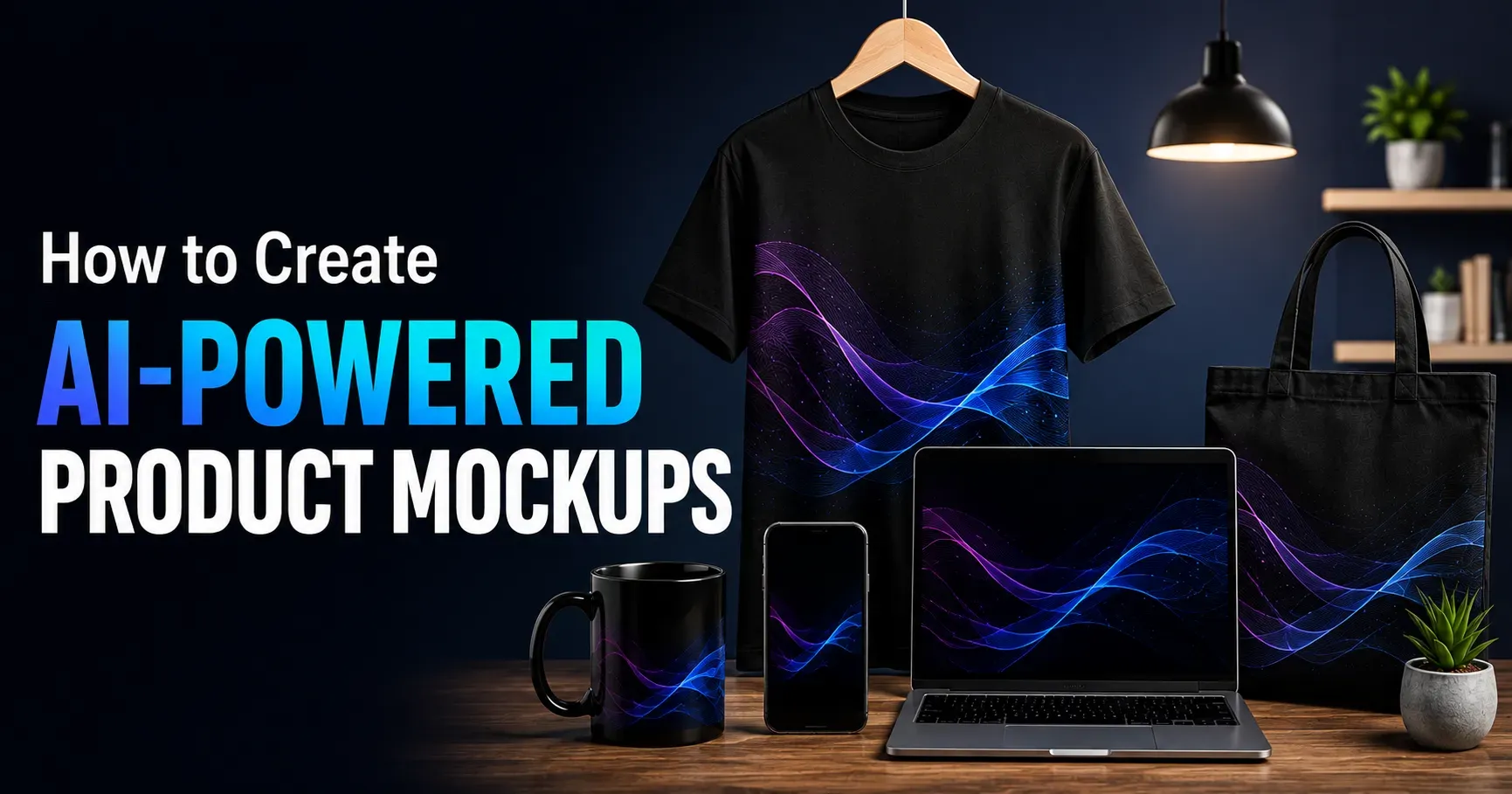
How to Create AI Powered Product Mockups
Presenting a product convincingly used to require a professional photoshoot, expensive design software or a dedicated graphic designer. In 2026, AI powered mockup tools have changed that entirely, allowing anyone to generate polished, realistic product visuals in minutes rather than days. Whether you are launching a new product, updating your packaging, building a marketing campaign or simply testing an idea before investing in physical samples, AI can now handle much of the heavy lifting. This guide explains how to create AI powered product mockups, the tools available, effective prompting techniques and how to turn AI generated visuals into genuinely usable marketing assets.
What AI Powered Product Mockups Actually Are
An AI powered product mockup is a realistic visual representation of a product, generated or enhanced using artificial intelligence rather than a traditional photoshoot or manual design process. This can include placing your product design onto a realistic template, such as a t shirt, mug or box, generating an entirely new product image from a text description, or using AI to enhance and refine an existing product photo.
These tools rely on models trained on enormous datasets of images, allowing them to generate convincing lighting, shadows, textures and realistic settings that would otherwise require significant technical skill to produce manually through traditional design software.
Why AI Mockups Have Become So Popular
The appeal of AI powered mockups comes down to speed, cost and accessibility. Traditional product photography requires physical samples, proper equipment, lighting setup and often a professional photographer, all of which take time and money.
AI mockups remove most of these barriers, allowing small business owners, entrepreneurs and marketing teams to generate professional looking visuals quickly, test multiple design variations without producing physical samples for each one, and iterate rapidly based on feedback before committing to a final design or production run.
Types of AI Tools for Product Mockups
Template Based Mockup Generators
These tools use pre built realistic templates, such as a hand holding a phone or a bottle sitting on a shelf, and use AI to intelligently place your design or logo onto the template with realistic lighting, perspective and shadow effects.
Text to Image Generation Tools
These tools generate entirely new images from a written description, allowing you to describe your product and desired setting in detail and receive a completely original visual, useful for concept exploration or entirely custom scenes that do not fit an existing template.
AI Photo Enhancement Tools
Rather than generating a scene from scratch, these tools enhance existing product photos, improving lighting, removing backgrounds, adjusting color accuracy or adding realistic shadows to make an amateur photo look significantly more professional.
Background Replacement and Scene Generation Tools
These tools allow you to take a simple product photo and place it convincingly into an entirely different environment or setting, such as moving a product photographed on a plain background into a styled lifestyle scene that fits your brand.
How to Create an AI Powered Product Mockup Step by Step
Start With a Clear Product Image or Design File
Even for AI generated mockups, having a clean, high resolution image or design file of your actual product or logo produces significantly better results than relying entirely on AI to imagine your product from a text description alone.
Choose the Right Type of Mockup for Your Goal
Decide whether you need a simple template based mockup for quick social media use, a fully custom generated scene for a marketing campaign, or an enhancement of an existing photo, since each goal calls for a different type of tool.
Write a Detailed, Specific Prompt
If using a text to image tool, describe the setting, lighting, angle, background and mood you want as specifically as possible. Vague prompts tend to produce generic results, while detailed, specific descriptions produce far more usable, targeted visuals.
Generate Multiple Variations
Most AI mockup tools allow you to generate several variations from a single prompt or template. Reviewing multiple options rather than settling on the first result significantly increases your chances of finding a visual that truly fits your brand and campaign needs.
Refine and Edit the Output
Treat the initial AI generated result as a strong starting point rather than a finished asset. Many tools allow further refinement, such as adjusting colors, cropping, or combining elements from multiple generations into a single polished final image.
Writing Effective Prompts for Product Mockups
Describe the Setting in Detail
Instead of a vague request like product on a table, specify details such as a minimalist wooden table near a sunlit window with soft natural shadows, giving the AI much clearer guidance for generating a specific, usable result.
Specify the Angle and Framing
Mention whether you want a close up, a wide shot, an overhead flat lay or a specific angle, since camera perspective significantly affects how professional and intentional the final image appears to viewers.
Include Lighting and Mood Details
Describing lighting conditions, such as soft diffused light or dramatic side lighting, along with an overall mood, such as clean and minimal or warm and cozy, helps ensure the generated image aligns with your specific brand aesthetic.
Reference Your Brand Style
If your brand has an established visual identity, describe relevant elements such as color palette or general aesthetic within your prompt, helping maintain consistency across all your generated marketing visuals over time.
Common Use Cases for AI Product Mockups
E Commerce Product Listings
Generate multiple realistic product angles and settings for online store listings without needing an extensive physical photoshoot for every single product variation you offer to customers.
Social Media Marketing
Quickly produce eye catching, on trend visuals for social media posts and advertisements, allowing for rapid testing of different visual styles to see which resonates best with your specific audience.
Packaging Design Visualization
Preview how a packaging design will look on an actual product before committing to expensive physical printing and production, helping catch design issues early in the process before they become costly.
Pitch Decks and Investor Presentations
Create polished, professional looking product visuals for pitch decks even before a final physical prototype exists, helping communicate a product vision clearly and convincingly to potential investors or partners.
Merchandise and Apparel Previews
Preview how a logo or design will look on various merchandise items, such as apparel or accessories, before committing to inventory or production runs for each specific item you plan to sell.
Best Practices for Professional Looking Results
Always start with the highest quality source image or design file available, since AI enhancement and placement tools perform significantly better with clean, high resolution inputs. Maintain consistency across your generated mockups by using similar prompts, settings or templates for related products, helping your overall brand presentation feel cohesive rather than disjointed.
Review generated images carefully for any visual inconsistencies or unrealistic details before publishing, since AI generated visuals can occasionally include subtle errors that are easy to overlook without careful review. Test different variations with your actual target audience when possible, since what looks appealing to you internally does not always resonate the same way with your intended customers.
Avoiding Common Mistakes With AI Mockups
Many beginners rely too heavily on a single generated image without exploring multiple variations, missing the opportunity to find a genuinely stronger result. Avoid using AI generated mockups that look obviously artificial or inconsistent with your actual product, since this can damage trust with potential customers if the final product does not match the marketing visuals closely enough.
Do not skip the review and refinement step, since even strong initial AI outputs typically benefit from some manual adjustment before being used in final marketing materials. Finally, avoid neglecting brand consistency across different mockups, since a scattered visual style across different platforms and materials can weaken overall brand recognition and trust.
Combining AI Mockups With Real Product Photography
While AI mockups offer speed and flexibility, many successful brands combine them strategically with real product photography rather than relying exclusively on one approach. AI generated visuals work particularly well for early concept exploration, rapid social media content and testing multiple design directions quickly, while real photography often remains valuable for final, high stakes marketing materials where absolute product accuracy and authenticity matter most to build customer trust.
Legal and Ethical Considerations
When creating AI generated product mockups, ensure your final marketing materials accurately represent your actual product, since misleading visuals can create customer trust issues or, in some cases, regulatory concerns depending on your industry and location.
Review the specific terms of service for any AI tool you use regarding commercial usage rights, since policies can vary between different platforms and services. Being transparent internally about which visuals are AI generated mockups versus actual product photography also helps maintain consistency and accuracy across your marketing and sales materials over time.
A Simple Workflow for Creating Product Mockups
Begin by gathering the highest quality source images or design files available for your product or logo. Choose the appropriate type of AI mockup tool based on your specific goal, whether that is a quick template based visual or a fully custom generated scene.
Write detailed, specific prompts describing your desired setting, angle, lighting and mood. Generate multiple variations and select the strongest results rather than settling for the first output. Refine the chosen images as needed, and maintain consistent style and quality across all your generated visuals to support a cohesive overall brand presentation.
Final Thoughts
AI powered product mockups have made professional quality product visuals accessible to businesses of every size, removing many of the traditional barriers of cost, time and technical skill that once made high quality product photography feel out of reach for smaller brands. By choosing the right tools for your specific goals, writing detailed and thoughtful prompts, and combining AI generated visuals with genuine review and refinement, you can create compelling, professional product mockups that support your marketing and sales efforts throughout 2026 and beyond.