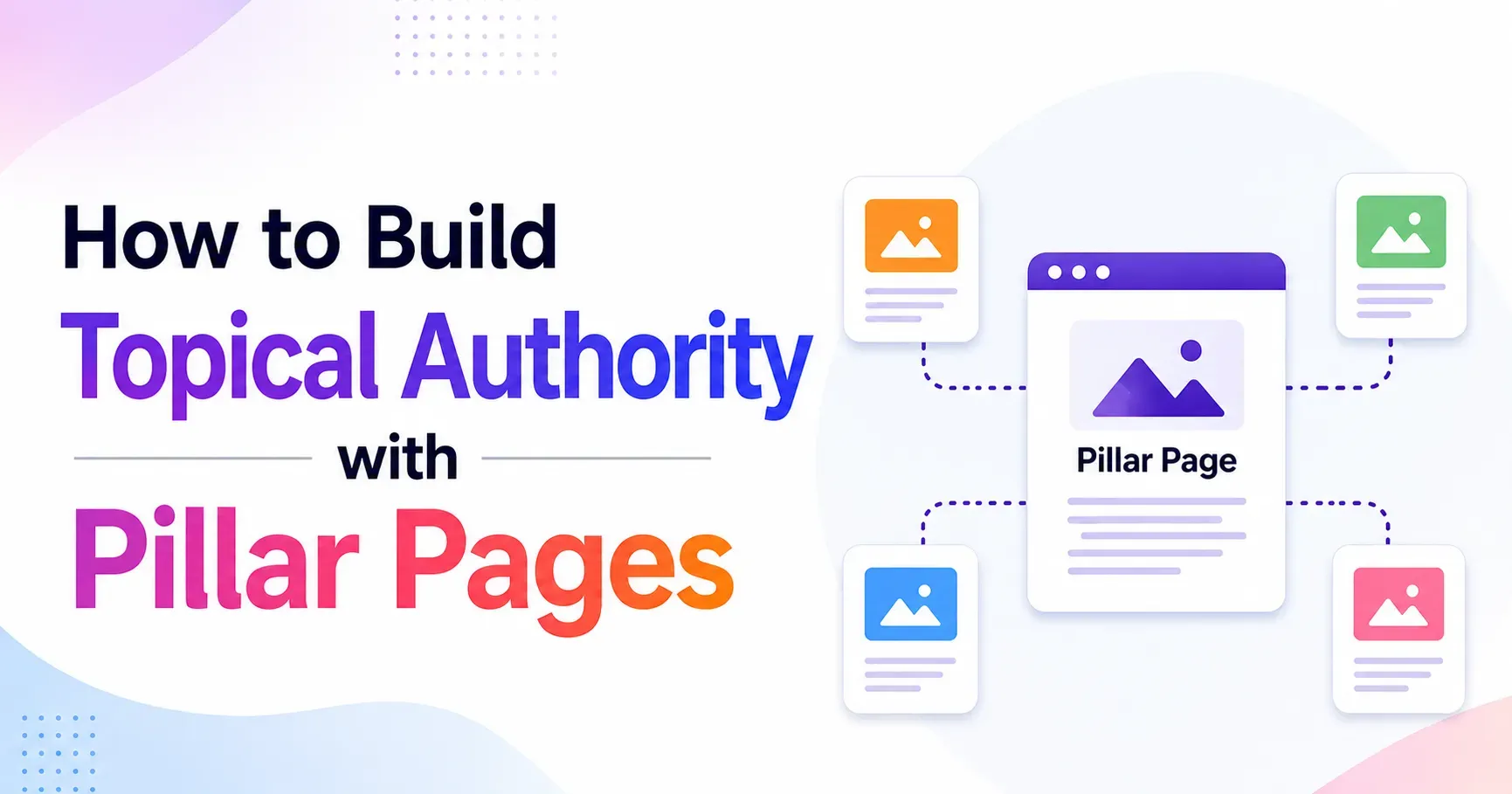
How to Build Topical Authority with Pillar Pages
Search engines no longer reward websites that publish random, disconnected articles. Today, ranking well means proving to Google that your website is a genuine expert on a subject. This concept is known as topical authority, and one of the most effective ways to build it is through pillar pages supported by cluster content. In this guide, you will learn what topical authority really means, why pillar pages are central to earning it, and the exact steps you can follow to structure your website for long term organic growth.
What Is Topical Authority
Topical authority refers to how much a search engine trusts a website as a reliable source of information on a particular subject. It is not built from a single blog post. It is built from a network of related, well researched, interconnected pages that together demonstrate depth, breadth, and expertise on a topic.
When a website covers a subject thoroughly, addressing the main questions, subtopics, and related queries that real users search for, search engines begin to associate that domain with the topic itself. As a result, even new pages published on that domain tend to rank faster because the site has already earned credibility in that subject area.
What Are Pillar Pages
A pillar page is a comprehensive, authoritative page that covers a broad topic in enough depth to serve as the central hub for that subject on your website. Instead of trying to cover every detail on one page, a pillar page introduces the core concepts and links out to more specific, in depth articles known as cluster content.
Think of a pillar page as the trunk of a tree and the cluster content as the branches. The trunk gives structure and support, while the branches extend outward to cover specific subtopics in detail. Together, they form what is commonly called a topic cluster or content cluster model.
Why Pillar Pages Are Central to Topical Authority
Pillar pages matter because they organize your content in a way that both users and search engines can easily understand. Here is why this structure works so well.
They Signal Topical Depth
When a pillar page links to dozens of related articles that each explore a subtopic in detail, search engines see a clear signal that your website understands the topic comprehensively rather than superficially.
They Improve Internal Linking
Pillar pages naturally create a strong internal linking structure. Link equity flows from the pillar page to cluster pages and back again, helping every page in the cluster rank higher than it would in isolation.
They Match Search Intent at Every Stage
A well built pillar page can capture broad, top of funnel searches, while cluster pages capture specific, long tail queries. Together they cover the entire buyer or reader journey.
They Reduce Keyword Cannibalization
By clearly assigning one primary keyword to the pillar page and distinct subtopics to each cluster page, you avoid multiple pages competing against each other for the same search terms.
Step by Step Process to Build Topical Authority with Pillar Pages
Step 1: Choose a Core Topic Aligned with Your Business Goals
Start by identifying a broad subject that is central to your business and has enough search demand and subtopic depth to support a full content cluster. Avoid topics that are too narrow to expand or too broad to cover meaningfully.
Step 2: Conduct Comprehensive Keyword Research
Use keyword research tools to map out every relevant subtopic, question, and related search term connected to your core topic. Group these keywords into logical categories. Each category often becomes a future cluster article, while the umbrella term becomes your pillar page target.
Step 3: Analyze Search Intent for Each Keyword Group
Not every keyword deserves its own page, and not every page should try to rank for every keyword. Study what type of content currently ranks for each term, whether it is informational, commercial, or transactional, and align your content format accordingly.
Step 4: Structure the Pillar Page
Your pillar page should act as a complete introduction to the topic. It should be organized with clear headings, cover every major subtopic briefly, and link out to dedicated cluster articles for anything that needs deeper exploration. A strong pillar page typically includes:
- An introduction explaining what the topic is and why it matters
- Sections covering each major subtopic with a short summary
- Internal links to detailed cluster articles for each subtopic
- A logical flow that mirrors how a beginner would want to learn the subject
- Clear calls to action where relevant
Step 5: Build Out Cluster Content
Once your pillar page outline is ready, create individual articles for each subtopic identified in your keyword research. Every cluster article should link back to the pillar page and, where relevant, to other related cluster articles. This creates a tightly woven internal linking network.
Step 6: Optimize Internal Linking Between Pillar and Cluster Pages
Internal linking is the backbone of the pillar and cluster model. Use descriptive anchor text that reflects the target keyword of the linked page. Ensure the pillar page links to every cluster article, and every cluster article links back to the pillar page, along with contextual links to sibling articles when it makes sense for the reader.
Step 7: Focus on Content Depth and E E A T
Search engines increasingly evaluate content based on experience, expertise, authority, and trust, often referred to as E E A T. To strengthen this, include original insights, data, examples, and author credentials where appropriate. Avoid thin content that simply repeats what competitors already say.
Step 8: Optimize On Page Elements
Each page in your cluster, including the pillar page, should be optimized with a clear title tag, a compelling meta description, a properly structured heading hierarchy, descriptive image alt text, and a clean, readable URL slug that reflects the target keyword.
Step 9: Promote the Pillar Page and Earn Backlinks
Because the pillar page represents your core topic, it deserves the most promotional effort. Share it across social channels, reference it in outreach campaigns, and use it as a resource in guest content. Backlinks to the pillar page also pass authority to every cluster article linked beneath it.
Step 10: Monitor Performance and Refresh Regularly
Topical authority is not built overnight, and it does not stay static once achieved. Track rankings, organic traffic, and engagement for both the pillar page and its cluster articles. Update statistics, add new subtopics as they emerge, and refresh outdated sections at least twice a year to maintain relevance.
Best Practices for Maximizing Topical Authority
- Publish consistently within the same topic area rather than jumping between unrelated subjects
- Ensure every cluster article adds genuine value rather than duplicating existing content
- Use structured data such as FAQ schema to help search engines understand your content better
- Keep your pillar page updated as the definitive resource on the subject
- Interlink related clusters across different pillar pages when topics naturally overlap
- Prioritize readability with short paragraphs, bullet points, and clear subheadings
Common Mistakes to Avoid
Treating the Pillar Page as a Simple Landing Page
A pillar page needs genuine depth and value. Simply listing links without meaningful content will not earn ranking authority.
Ignoring Search Intent
Publishing content that does not match what users are actually searching for will hurt engagement metrics, even if the keyword targeting is technically correct.
Weak or Missing Internal Links
Without strong internal linking between the pillar and its clusters, search engines struggle to understand the relationship between your pages, weakening the entire strategy.
Publishing and Forgetting
Topical authority requires ongoing maintenance. Outdated statistics, broken links, and stale examples signal to both users and search engines that the content is no longer trustworthy.
How Long Does It Take to Build Topical Authority
Most websites begin noticing measurable improvements in rankings and organic traffic within three to six months of consistently publishing pillar and cluster content, though highly competitive industries may take longer. Consistency, content quality, and internal linking discipline are the biggest factors influencing how quickly authority builds.
Conclusion
Building topical authority through pillar pages is one of the most reliable long term SEO strategies available today. By organizing your content into a clear hierarchy of comprehensive pillar pages and detailed cluster articles, you give search engines a structured, easy to understand map of your expertise. More importantly, you give your readers exactly what they are looking for, whether they need a broad introduction or a specific answer. Start with one core topic, build it out thoroughly, and expand into new pillars over time to steadily grow your website into a recognized authority in your niche.
Frequently Asked Questions
What is a pillar page in SEO
A pillar page is a comprehensive page that broadly covers a core topic and links out to more detailed cluster articles that explore specific subtopics in depth.
How is topical authority different from domain authority
Domain authority is a general metric estimating overall website strength, while topical authority specifically measures how much a search engine trusts a site as an expert source on a particular subject.
How many cluster articles should support one pillar page
There is no fixed number. The right amount depends on how many meaningful subtopics exist within the core topic, though most successful pillar pages are supported by ten or more cluster articles.
Can small websites build topical authority
Yes. Small websites can build strong topical authority by focusing on a narrow niche and covering it more thoroughly than larger, more general competitors.
How often should pillar pages be updated
Pillar pages should be reviewed and refreshed at least twice a year to keep information accurate, statistics current, and internal links working correctly.