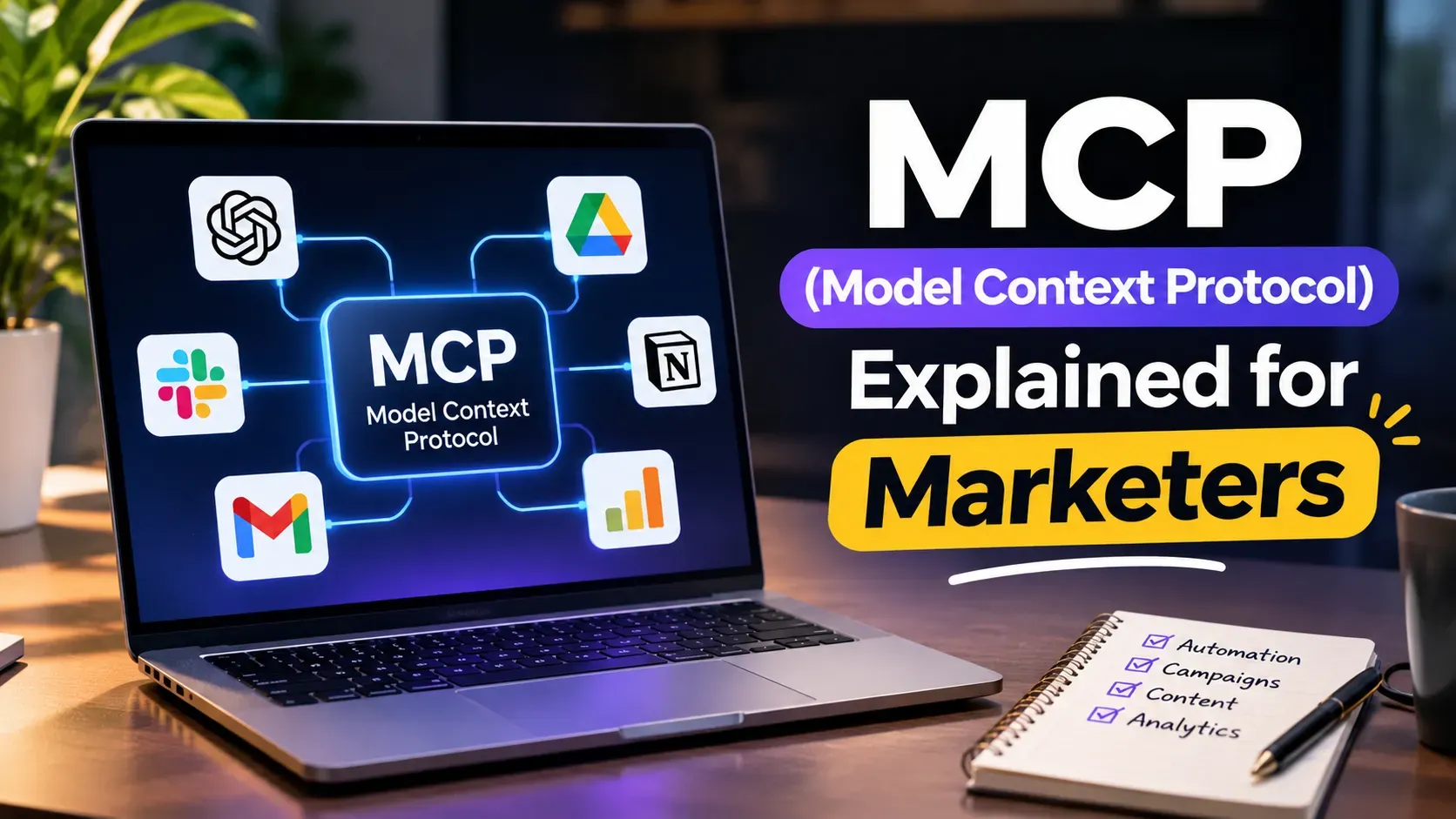
MCP (Model Context Protocol) Explained for Marketers
Introduction
If you have spent any time around AI conversations in 2026, you have probably heard someone say “MCP” and felt like you missed a memo. You are not alone. Search for the term and you will find technical documentation aimed at developers, enterprise announcements, and a surprising amount of confusion.
Here is the short version. MCP stands for Model Context Protocol. It is a standard way for AI assistants to connect to the tools and data you already use, such as your analytics, CRM, email platform, ad accounts, and content library. Instead of copying numbers into a chat window and hoping the AI understands them, you let the AI reach into those systems directly, with your permission, and work with live information.
That sounds like a small technical detail. For marketers, it is a significant change, because the biggest limitation of AI has been context. An assistant that cannot see your data gives generic advice. An assistant that can see your campaigns, customers, and content can do real work.
This guide explains MCP in plain English. You will learn what it is, how it works, how it differs from APIs and tools like Zapier, what marketers can do with it today, the risks to manage, and how to get started without writing code.
What Is MCP in Plain English?
Model Context Protocol is an open technical standard, developed by Anthropic, that lets AI assistants connect to live data and tools. Anthropic published it on November 25, 2024, as an open standard for connecting AI systems to the places where data actually lives.
Think of MCP as a universal adapter. Before MCP, connecting an AI model to a business tool meant building custom code for that specific pairing. Every AI product and every tool needed its own integration. With MCP, there is a common language that any AI system can use to connect to any MCP enabled data source.
A popular analogy is a restaurant. You, the AI, tell the waiter, the MCP server, what you want in a standard format you both understand. The waiter knows exactly how to interact with each kitchen’s ordering system, which are the different APIs behind the scenes. You never need to learn how each kitchen works.
The word “context” in the name matters. An AI model can only work well with what it knows. MCP is a way of giving the model the right context at the right time, from the right system, without you having to gather it manually.
MCP is no longer a single company’s project. After launching in late 2024, it was adopted by other major AI providers, including OpenAI, Google, and Microsoft, which is a big reason it matters to marketers. A standard that most major AI tools support is a standard worth understanding.
Why Marketers Should Care
The Context Problem
Every marketer who has used AI has run into the same wall. You ask for advice on your ad performance, and the assistant asks you to paste in your data. You export a report, clean it up, paste it in, and explain what the columns mean. Then you do it again tomorrow.
MCP removes one of AI’s biggest limitations for marketers: the need to manually gather and provide context before every task. With the right connections, you can ask a question about last month’s campaign performance and the assistant can fetch the data itself.
The Integration Problem
Marketing stacks are crowded. One survey finding cited in a Knak guide reports that 89 percent of marketing operations professionals say integration capability is their top priority when evaluating new technology. MCP is the emerging answer to how AI tools will integrate with everything else in your stack.
The Access Problem
For years, getting data out of marketing platforms into an AI workflow required developers, custom scripts, or fragile connections. MCP lowers that barrier. Marketers without engineering help can increasingly connect tools and ask questions in natural language.
How MCP Works: The Three Parts
MCP has three simple parts. You do not need to understand the code, but understanding the roles helps you make better decisions.
The host or client. This is the AI application you use, such as Claude or ChatGPT or another assistant. It is where you type your requests.
The MCP server. This is a connector that sits in front of a tool or data source. Think of an MCP server for your analytics platform, your CRM, or your ad account. It exposes what the AI is allowed to see and do.
The tool or data source. This is the actual system, such as Google Ads, HubSpot, or your email platform.
MCP servers act as connectors between AI agents and data sources, giving large language models secure, structured access to databases, APIs, and internal tools. A server typically handles three tasks: authentication, data retrieval, and response formatting.
Here is a simple example. You ask your assistant, “What was my cost per lead last week across campaigns?” The assistant sends a structured request to the MCP server. The server authenticates with the ad platform, fetches the cost and conversion data, calculates the metric, and returns it. The assistant then explains the result, compares it with the previous period, and suggests next steps.
Under the hood, MCP uses a standard message format called JSON RPC 2.0 over common transports. That detail does not matter for most marketers, except as a reminder that the protocol is designed to be predictable, debuggable, and independent of any one programming language.
What MCP Servers Can Offer
MCP servers can expose three main kinds of capabilities.
Resources. Data the AI can read, such as reports, documents, or records.
Tools. Actions the AI can take, such as creating a campaign draft, updating a contact, or sending a message.
Prompts and workflows. Predefined instructions that guide the AI through a task in a consistent way.
This is why MCP is different from simply uploading a file. Files are static. MCP connections are live and can include actions, not just information.
MCP vs APIs vs Zapier
Marketers often ask how MCP differs from tools they already know. Here is a simple comparison.
APIs are how applications talk to each other. They are designed for developers and for application to application data transfer, and each integration is typically custom. The application manages the context.
Zapier and similar automation tools connect apps using predefined triggers and actions. You design the workflow in advance. They are excellent for predictable, rule based processes.
MCP is designed for AI agents. It provides a standardized protocol with tools and resources built for AI use, and the AI manages how context is used. Instead of you designing every step, the assistant can decide which tool to use and in what order, based on your request.
Some sources claim that MCP cuts setup from weeks to seconds and reduces maintenance. Treat vendor claims like these cautiously. MCP can reduce custom integration work, but real world setup still depends on the tool, its permissions, and its quality.
The practical takeaway is that these approaches are complementary. APIs power the underlying systems. Automation tools handle fixed workflows. MCP helps AI assistants flexibly use those systems when the path is not fully predefined.
What Marketers Can Do With MCP Today
MCP gives an AI assistant a single way to connect to outside tools such as HubSpot, Salesforce, LinkedIn Ads, Apollo, and GA4. Several platforms, including email and marketing automation vendors, have released their own MCP servers so customers can connect their data to an AI model of their choice. The details vary by vendor, but the common use cases look like this.
Reporting and Analysis
Ask questions about performance in natural language. Which campaigns drove the most revenue last quarter? How did this month’s email engagement compare with last month’s? The assistant fetches the data, analyzes it, and explains what changed.
Cross Platform Insight
Because MCP can connect to several systems, an assistant can combine data from your ad platforms, analytics, and CRM to answer questions that normally require exporting and stitching spreadsheets.
Campaign Setup and Optimization
With appropriate permissions, an assistant can draft ad copy, suggest audience adjustments, build email variations, or prepare campaign structures directly in your platforms, leaving you to review and approve.
Content Operations
Connect your content library, project management tool, and publishing platform so the assistant can find existing assets, check what has been published, draft new content in your style, and organize tasks.
Customer and Lead Management
Let an assistant look up contact histories, summarize account activity before a call, update records, and flag leads that need follow up.
Small Business Marketing
For small teams, MCP means an AI assistant can work directly inside the tools your marketing already runs on, which can make it feel like having an extra team member for routine work.
A Day in the Life: A Practical Example
Imagine a marketing manager starting the week.
She opens her AI assistant and asks, “Summarize last week’s performance across paid search, email, and organic, and tell me what changed compared with the previous week.” The assistant pulls data from her ad account, email platform, and analytics through MCP connections.
It reports that paid search spend was steady but cost per lead rose, email click rates dipped after a subject line change, and organic traffic grew on two articles. She asks it to draft three alternative subject lines for next week’s email and a revised version of the underperforming ad. It prepares drafts for her review. She approves the email variations and asks it to pause one ad group.
What used to take hours of exports, spreadsheets, and copy pasting takes minutes. The human still decides what to do. The AI handles the gathering and drafting.
Risks and Safeguards Every Marketer Should Know
MCP gives AI access to real systems. That power requires care.
Permissions. Give the AI only the access it needs. If it only needs to read reports, use read only connections. Be cautious about enabling actions that edit campaigns, send messages, or change budgets.
Human approval. Keep a person in the loop for any action that is public, costly, or hard to reverse. Review drafts and changes before they go live.
Data privacy. Understand what data is shared with the AI provider, how it is stored, and whether it is used for training. Be especially careful with customer personal information and regulated data. Check your contracts, privacy commitments, and company policy.
Trust in servers. Not every MCP server is equal. Before installing one, evaluate who built it, what permissions it requests, how it handles authentication, how it is maintained, and what reviews or documentation exist. Prefer official servers from the tool vendor or well established providers.
Prompt injection. AI systems can be manipulated by malicious instructions hidden in content they read, such as an email, a web page, or a document. If an assistant has powerful tools and reads untrusted content, it could be tricked into taking unintended actions. Limit tool permissions and require approval for sensitive actions.
Accuracy. AI can misread data or draw incorrect conclusions. Spot check important numbers against the source, especially before presenting results or making large budget decisions.
Change over time. MCP is evolving. For example, documentation dated July 2026 shows a newer protocol version that deprecates some features earlier material treated as core. That is normal for a young standard, and it means you should check current documentation and vendor guidance rather than relying on older tutorials.
How to Get Started Without Writing Code
You can begin in a few practical steps.
Step 1: Audit Your Stack
List the tools your team uses daily, such as analytics, CRM, email, advertising, social, and project management. Ask each vendor whether it supports MCP or has a roadmap for it. If a tool does not support MCP, ask the vendor about plans.
Step 2: Pick One Valuable Use Case
Start with a task that is repetitive, time consuming, and low risk, such as weekly reporting or summarizing campaign performance. Avoid starting with actions that spend money or contact customers.
Step 3: Choose an AI Assistant That Supports MCP
Several leading assistants support MCP connections. Check which connections are available in your plan and how setup works.
Step 4: Connect in Read Only Mode First
Connect one tool, with read access only, and test your use case. Ask questions you already know the answers to so you can verify accuracy.
Step 5: Review Security and Privacy
Before expanding, confirm what data is accessible, who can use the connection, and what logs are available. Involve IT or legal if you handle sensitive data.
Step 6: Add Actions Gradually
Once you trust the results, consider enabling limited actions, with human approval, for tasks such as drafting campaigns or updating records.
Step 7: Document and Share
Write down your prompts, setup steps, and lessons learned so your team can repeat what works.
What MCP Means for Your Marketing Skills
MCP does not replace marketers. It shifts where their time goes. When AI can gather data and draft first versions, the valuable skills become asking good questions, setting clear goals, designing sensible workflows, verifying results, and making strategic decisions.
Marketers who understand how to connect tools, structure requests, and govern access will be better positioned than those who only know how to use a chat window. You do not need to become an engineer. You do need to understand the basics well enough to evaluate vendors, ask the right questions, and set safe boundaries.
Conclusion
Model Context Protocol is a simple idea with large consequences. It is a common way for AI assistants to connect to the tools and data marketers use every day. Instead of copying data into a chat, you let the assistant reach into your systems, with your permission, and work with live context.
The benefits are real: faster reporting, less manual data wrangling, easier cross platform insight, and assistants that can help with routine work. The risks are real too: over broad permissions, privacy concerns, untrusted servers, and errors that need human review.
The smartest approach is to start small. Audit your stack, pick one low risk use case, connect a single tool in read only mode, verify the results, and expand carefully. As more vendors add MCP support, the marketers who understand the basics now will be the ones who turn AI from a clever writing tool into a genuinely connected part of how their team works.